Desking Software: Structure Deals Instantly with Real-Time Calculations

Key Takeaways
- 1One worksheet holds local tax, state and dealer fees, the lender rate and the trade, so the payment is right the first time.
- 2Change down payment, term or rate and the payment updates; text the customer a private link with several options side by side.
- 3The deal stays on the same CRM record through F&I; lender submission stays in your lender portal.
Table of Contents
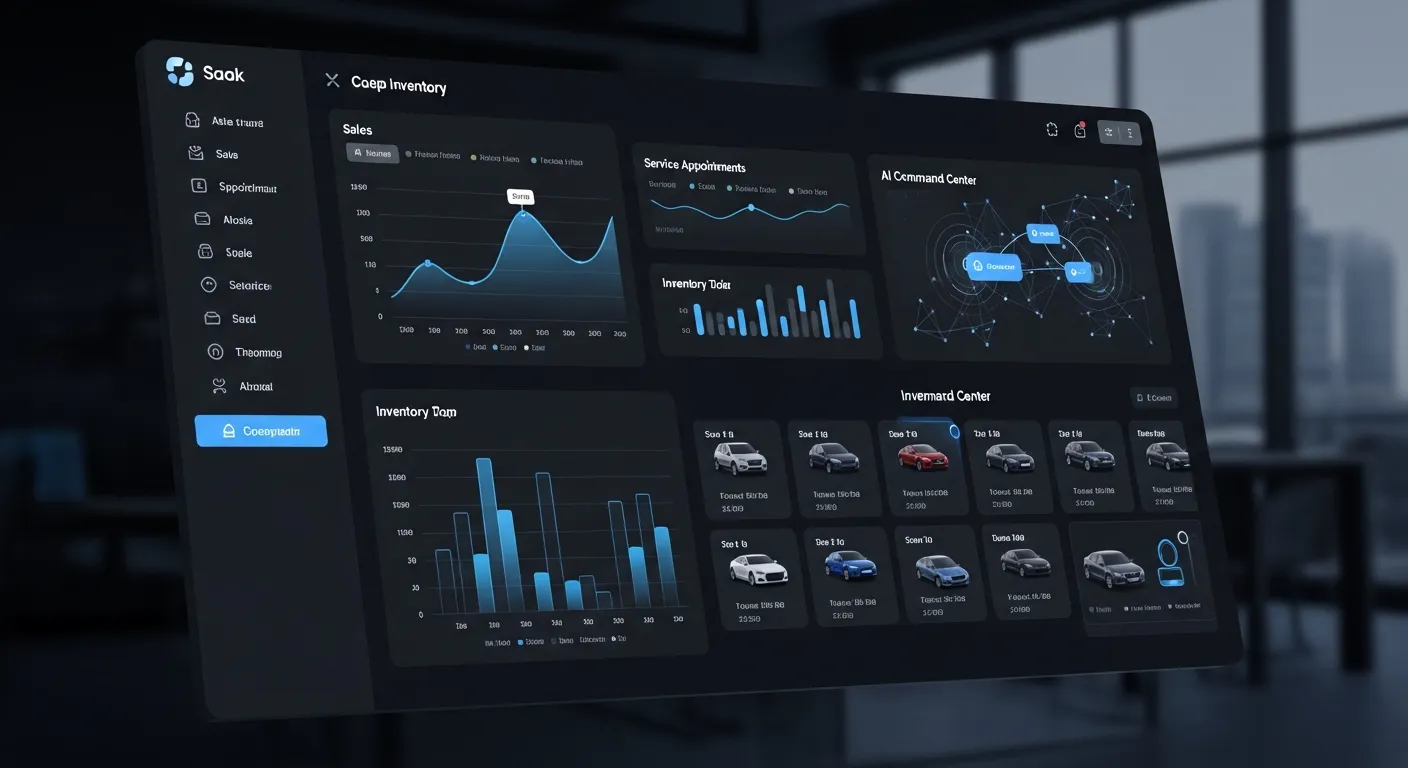
What happens in the twelve minutes a customer waits for a pencil, and how one worksheet with tax, fees, rate and trade on it ends the wait.
Find the Leaks in Your Dealership OS
Use the free Dealership OS Checklist to spot where leads, inventory, desking, follow-up, and reporting are costing you time or gross.
The twelve minutes at the desk
The customer has picked the car. The manager opens the DMS for the tax, a lender sheet for the rate, a book for the trade, and a calculator for the rest. The customer watches the back of a monitor for twelve minutes and checks a competitor's payment on their phone. The worksheet comes back with one option, the customer asks about more money down, and the manager goes away again.
What Desking in CarSales AI OS does
Desking is one worksheet with the whole deal on it. Local tax, your state and dealer fees, and the lender rate are already in it, so the payment is right the first time and the same on every deal. The trade comes in from the appraisal with its ACV and payoff, and negative equity rolls into the structure without re-keying. Finance and cash deals are worked on the same screen, and a change to down payment, term or rate updates the payment at once. Build a few options and text the customer a private link that shows them side by side; they tap the one they want and the rep gets an alert.
- Fees are configurable per store. Doc fee, title, registration and anything specific to your state are set once and applied every time.
- Products and reserve on the same worksheet. Service contract, GAP and maintenance carry retail and cost, and buy rate, sell rate and reserve are tracked as internal fields the customer never sees.
- Your lender portal stays. CarSales AI OS does not submit deals to lenders. You send the structure through RouteOne, Dealertrack or the lender's own portal as you do today, from numbers that were right the first time.
Why accuracy is the point
A wrong tax rate or a missed fee does not show up until funding, and then it comes out of gross or out of the customer's trust. One worksheet with the right numbers in it removes both, and the disclosure the customer signs matches what was desked.
One record, start to finish
Desking is part of the same CRM record as the lead, so the deal the rep built on the lot is the one the manager opens, and the one F&I sees when the customer says yes. There is no second system to re-enter it into. Your DMS can stay for accounting; selling happens here. Desking is on every plan, Lot included.
Frequently asked questions
- Does Desking push deals to lender portals?
- No. CarSales AI OS does not submit deals or credit applications to lenders. Desk the deal here, then submit it through RouteOne, Dealertrack or the lender's portal as you do today.
- Can I show the customer several payment options?
- Yes. Build the options in Desking and text the customer a private payment-options link. They see them side by side and tap the one they want. CarSales AI OS desks finance and cash deals; it does not desk leases.
Related Resources
Related reading

FAQ: Does the Software Integrate with QuickBooks?
Not today. Here is what CarSales AI OS does keep for the office (deal accounting, receivables, payables) and how dealers get closed deals into QuickBooks without the argument at month end.

How AI is Changing F&I Margins (Mostly Before the Customer Sits Down)
F&I gross is lost to rushed closes more than bad ones. What AI does in the hours before the box, and what it still leaves to the finance manager.
Credit Apps: Keep the Application, Its Status and the Compliance Checks on the Deal
Paper credit apps get re-typed and lost. How Credit Apps and the per-deal Compliance checklist in CarSales AI OS keep the application, its status and the OFAC and Red Flags checks on one record.
Who We Don't Work With
CarSales AI OS is not built for dealerships that want better systems but refuse to operate with better discipline. Learn why we filter out bad-fit dealers to protect our team and our process.
Ready to try it on your own inventory?
7 days free · no card · month-to-month · unlimited users. Or try the free 7-day demo first.
Find the page for your seat or store: