Dealership CRM in 2026: Features That Matter and Features That Don't

Key Takeaways
- 1The CRM features that sell cars are plain: one record per customer, a fixed lead source, response timers, compliant texting and calling, follow-up that stops on reply and reporting by source.
- 2Activity dashboards, piles of custom fields and email blast builders matter less than they look in a demo.
- 3Adoption beats features: make the CRM the only place customers get texted from and run the weekly meeting off its numbers.
Table of Contents
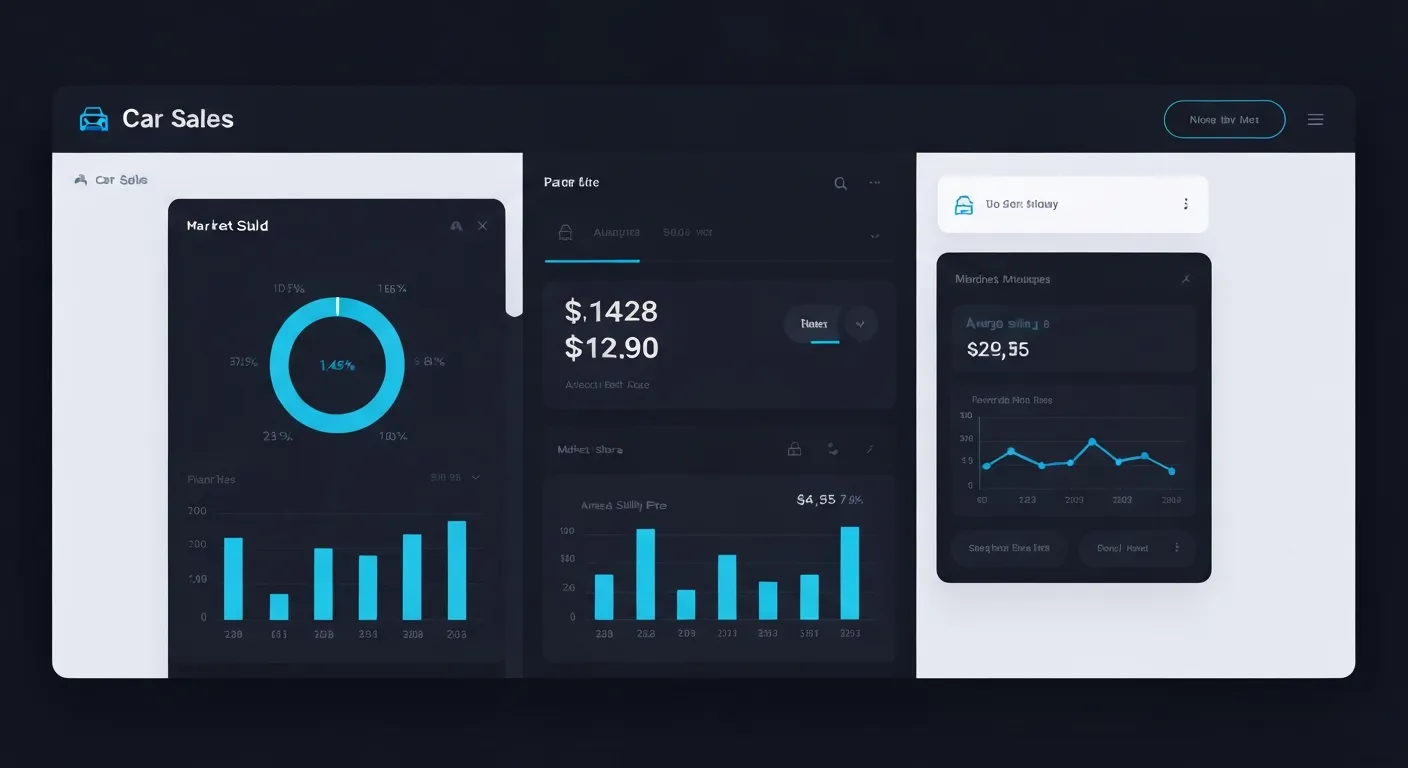
Every dealership CRM demo looks good. The dashboard has charts, the pipeline has colors, and the rep clicks through a perfect lead. Then you buy it, and six months later half your team is texting from their personal phones and the other half logs calls on Friday afternoon so the manager stops asking. The difference between a CRM that gets used and one that doesn't is rarely the flashy features. It's a short list of plain ones.
Quick answer
A dealership CRM in 2026 should give you one record per customer, a lead source that never gets overwritten, routing with a response timer and manager alerts, two-way texting and calling from the store's number with consent records and opt-outs, follow-up that stops when the customer replies, appointments with the car attached, a connection to inventory and the desk, and reporting by salesperson and lead source. Big dashboards of activity counts, piles of custom fields and email blast builders matter far less than they look in a demo.
Where a CRM sits among the other kinds of dealer software is covered in the types of car sales software.
Find the Leaks in Your Dealership OS
Use the free Dealership OS Checklist to spot where leads, inventory, desking, follow-up, and reporting are costing you time or gross.
Features that matter
1. One record per customer
The same shopper fills out a form on your site, calls about a different car and texts a salesperson's cell. In a weak CRM that's three leads and three salespeople. A good CRM merges by phone and email, keeps one timeline and one owner, and shows the whole history when anyone opens the record.
Test it: submit two leads with the same phone number and different names. What happens?
2. A lead source that never changes
Attribution falls apart when a lead's source gets overwritten by the latest touch. Every lead needs an original source (website form, listing site, phone call, walk-in, referral, social) that stays put, so you can judge each source on the cars it actually sold.
3. Routing, a timer and an alert
Each new lead should go to one named person, with a clock running. If nobody responds within your target, the manager is alerted and the lead can move to someone who's free. This single feature does more for speed to lead than any amount of coaching.
4. Texting and calling that are compliant by default
Most car buyers would rather text. The CRM should text and call from the store's number, log every message and call on the customer record, and keep the compliance pieces with the customer: when and how they gave consent, whether they opted out, and quiet hours that the system enforces. When a customer replies STOP, every salesperson and every automation should be blocked from texting them again. If your people are texting from personal phones, none of that is happening and the conversations leave when the salesperson does.
5. Follow-up that stops when the customer replies
Automated follow-up is only useful if it knows when to be quiet. Plays for new leads, appointment reminders, no-shows, stalled deals, be-backs and aged leads should run on their own, and pause the moment the customer answers or a salesperson steps in.
6. A daily list for each salesperson
Salespeople don't open dashboards. They open the list of what to do today: leads to call, replies waiting, appointments, tasks that are overdue. If the CRM makes that list obvious on a phone, it gets used.
7. Appointments with the car attached
An appointment that says "Tuesday 10 am, Jen" is half an appointment. One that says "Tuesday 10 am, Jen, 2021 RAV4 XLE, trade is a 2015 Civic" lets the salesperson have the car pulled up and the appraisal ready. Reminders and confirmations should go out automatically.
8. Connected to inventory and the desk
The CRM should know your cars. When a shopper asks about a vehicle, the record should link to it; when the car sells, conversations about it should know. And when a deal moves to the desk, nobody should retype the customer, the car or the trade.
9. Reporting by person and by source
The reports that change behavior are simple: speed to lead, appointments set and shown, sold units and gross, by salesperson and by lead source, with cost per sale next to each source. Our speed-to-lead scorecard shows the columns.
10. Roles, permissions and an export button
Salespeople should see their own leads; managers should see everyone's. And you should be able to export your customers, leads and history in a standard format at any time. It's your data.
Features that matter less than the demo suggests
- Dashboards of activity counts. Calls made and emails sent feel like management. Without appointments and sales next to them, they're noise.
- Endless custom fields. Every field you add is a field someone has to fill in. Most stores need fewer fields, filled in reliably.
- Email blast builders. Useful sometimes, but most dealership conversations happen by text and phone.
- Gamification for its own sake. Badges for logging calls don't sell cars. A leaderboard of appointments shown and units sold does.
- "AI" that is really a rule. "Send a text after three days" is automation. It's valuable, but don't pay an AI premium for it.
- A long integrations list. What matters is whether the few systems you actually use connect without double entry.
Features that depend on your store
- Equity and service-to-sales lists matter more at franchise stores with a big service drive.
- Payment tracking and collections matter most at buy here pay here stores; see our BHPH software guide.
- Multi-rooftop reporting matters once you own more than one store.
- Spanish-language messaging matters in markets where a large share of buyers prefer it.
Where AI fits in a dealership CRM
AI earns its place in a CRM when it works from the customer record: drafting a reply that mentions the car the shopper asked about, ranking leads with a reason you can read, summarizing a long thread before an appointment, or answering a call after hours and saving the lead. It should run in draft mode until you trust it, stay inside quiet hours and a daily cap per customer, and step back when a person replies. For the full picture, read AI lead follow-up: routing, attribution and proof.
How the CRM gets used during a day
- Morning. The manager checks overnight leads, unconfirmed appointments and anything that waited too long. Each salesperson opens their list for the day.
- Midday. New leads route with a timer running. The BDC works replies that need a person; automation handles the rest.
- Afternoon. Appointments arrive with the car and trade on the record. Deals move to the desk without retyping.
- Close. Unsold visitors get a be-back play. After-hours leads and calls are answered and saved for the morning.
- Monday. The team reviews speed to lead, appointments, shows and sales by person and source.
Adoption beats features
A CRM nobody uses is the most expensive one you can own. Three habits make the difference: the CRM is the only place customers get texted from, the Monday meeting runs off the CRM's numbers, and managers never ask for information the CRM already has. Expect a few weeks before it feels normal, and clean your data once before you start: merge duplicates, remove opt-outs, fix sources.
How to evaluate a dealership CRM
- Does it merge duplicates by phone and email automatically?
- Is the original lead source preserved forever?
- Is there a response timer with manager alerts and reassignment?
- Does texting and calling run from the store's number, with consent records, opt-outs and quiet hours enforced by the system?
- Does automated follow-up stop when the customer replies?
- Can a salesperson run their day from a phone?
- Is it connected to inventory and desking without double entry?
- Does it report appointments shown, sales and cost per sale by person and source?
- Can you export everything, anytime?
- Can you trial it with your own leads and team?
The CRM in CarSales AI
The dealership CRM in CarSales AI handles lead management with two-way texting and calling that keeps TCPA consent records, opt-outs and quiet hours with every customer. It's connected to desking and F&I, inventory, your dealer website on your own domain and reporting with leaderboards, so a lead, a car and a deal are one set of records. Lot Line, the AI phone agent, answers calls and leads 24/7, and the in-app AI assistant drafts replies. Every feature is on every plan with unlimited users. Running an independent store? Read the CRM guide for independent dealers.
FAQ
What is a dealership CRM?
Customer relationship management software built for car dealers. It holds every lead and customer, tracks texts, calls and appointments, runs follow-up and reports on how leads turn into sales by salesperson and source.
What features should a dealership CRM have?
One record per customer, a fixed lead source, routing with a response timer, compliant two-way texting and calling, follow-up that stops on reply, appointments with the car attached, connections to inventory and desking, and reporting by person and source.
Do I need a separate CRM if I already have a DMS?
Often, yes. A DMS is built around deals, accounting and service records; a CRM is built around leads and conversations. What matters is that the two don't require retyping the same customer and car.
How do I get salespeople to actually use the CRM?
Make it the only place customers are texted from, run the weekly meeting off its numbers, make each person's daily list easy to use on a phone, and stop asking for information the CRM already has.
Is AI in a CRM worth it?
When it works from the customer record, runs in draft mode until you trust it, respects quiet hours and opt-outs, and steps back when a person replies, it saves real time on first replies and follow-up. Judge it by appointments and sales, not messages sent.
Next step
Run the ten questions above on CarSales AI. Open the live demo, or get your price in 30 seconds and try it free for 14 days. Next read: how to choose car sales software for your kind of store.
Jared Casper
ExpertSold cars and ran F&I for nearly a decade, then built CarSales AI. Writes about what works on a real lot.

Related Resources
Related reading

How AI Is Changing Car Sales: A View From the Sales Floor
How AI is changing car sales, from someone who worked the floor: instant lead replies, after-hours calls, honest scoreboards, and what still needs people.
How Car Salespeople Get Found on Google in 2026 (Your Own Sales Page)
Shoppers search for people, not just cars. Here's how a car salesperson gets a page of their own in Google, what actually helps it show up, and what nobody can honestly promise you.
10 Ways Dealers Use AI to Sell More Cars (and What to Measure for Each)
10 ways car dealers use AI to sell more cars, from instant lead replies to aged-lead revival, with the number to measure and the mistake to avoid for each.
Who We Don't Work With
CarSalesSoftware.com is not built for dealerships that want better systems but refuse to operate with better discipline. Learn why we filter out bad-fit dealers to protect our team and our process.
Ready to upgrade your dealership?
See the live demo or start the 14-day trial.
Find the page for your seat or store: