Roles & Security: Decide Who Sees What in Your Dealership Software

Key Takeaways
- 1Each role gets its own menu; tools can be switched off, renamed, and added or removed per role.
- 2Sensitive pages are locked by role; cost, pack and reserve are internal desk fields.
- 3Two-factor login, the Security Center and an activity log are built in; data is isolated per dealership.
Table of Contents
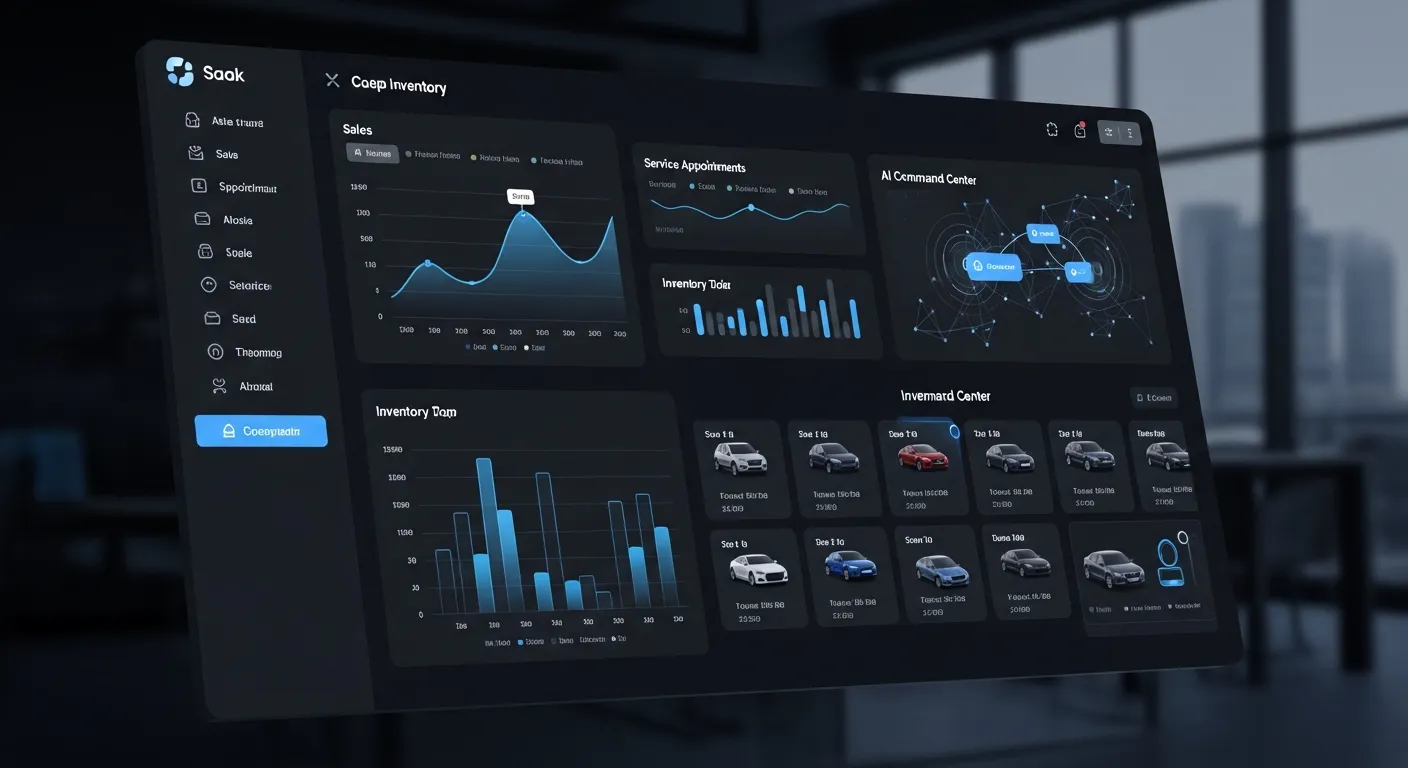
Roles decide which tools each login sees, sensitive pages are locked by role, internal desk fields stay internal, and two-factor login protects every account.
Find the Leaks in Your Dealership OS
Use the free Dealership OS Checklist to spot where leads, inventory, desking, follow-up, and reporting are costing you time or gross.
The rep who knows the pack
A sales rep finds out the pack is $600 because the cost field sits on the same screen as the retail price. Two weeks later a departing rep emails himself the customer list. Neither is a software problem until the software makes both easy.
What roles do in CarSales AI OS
- Each role sees its tools. Sales, F&I, service, inventory, porter, manager, admin and owner each get their own menu. In Settings you can switch tools off, rename them, and add or remove tools per role.
- Sensitive pages are locked. Settings, Integrations, HR, Pay Plans, Deal Accounting, Accounts Payable, Security Center and the Report Builder check the role even when someone types the address, not just in the menu.
- Internal desk fields. Vehicle cost, pack, product cost, buy rate and reserve are marked internal on the worksheet and never appear on what the customer sees.
- Two-factor login and the Security Center. Turn on two-factor login and review account security from one screen.
Settings keeps an activity log of changes, and the full account export is in Settings, which only owners and admins can open.
One account per store, or many
Groups can run several stores under one account, switch stores from the top-left, and see them side by side on the all-stores report. Each dealership's data is isolated at the database level. Roles are included on every plan with unlimited users, so there is no reason to share a login.
Frequently asked questions
- Can I stop salespeople from exporting the customer list?
- The full export lives in Settings, which only owners and admins can open.
- Can a sales rep see another rep's leads?
- A rep's My Day shows their own leads, texts and tasks. Which tools each role can open is set in Settings.
Related Resources
Related reading
How to Choose Car Sales Software for Your Kind of Store
How to choose car sales software for an independent, franchise or BHPH store: the jobs it must do, hidden costs to ask about and a vendor checklist.
Car Sales Software vs. a DMS: What's the Difference?
Dealers use 'DMS', 'CRM' and 'car sales software' interchangeably, but they do different jobs. Here's a plain-English breakdown and how to decide what you need.

Settings: Configure Your Unique Workflow
Rename stages, hide tools, set who sees cost, edit every follow-up text and put your deal numbers in once. What Settings in CarSales AI OS lets you change.
Who We Don't Work With
CarSales AI OS is not built for dealerships that want better systems but refuse to operate with better discipline. Learn why we filter out bad-fit dealers to protect our team and our process.
Ready to try it on your own inventory?
7 days free · no card · month-to-month · unlimited users. Or try the free 7-day demo first.
Find the page for your seat or store: