Daily Tasks: Keep Your Sales Team on Track

Key Takeaways
- 1Workplans create follow-up tasks when a lead arrives, goes unsold or delivers; you set each sequence.
- 2My Day shows each rep only their leads, texts and tasks; finishing a task logs the activity on the record.
- 3The Sales Scoreboard shows each rep's response time and lead-to-sale funnel, by rep and by lead source.
Table of Contents
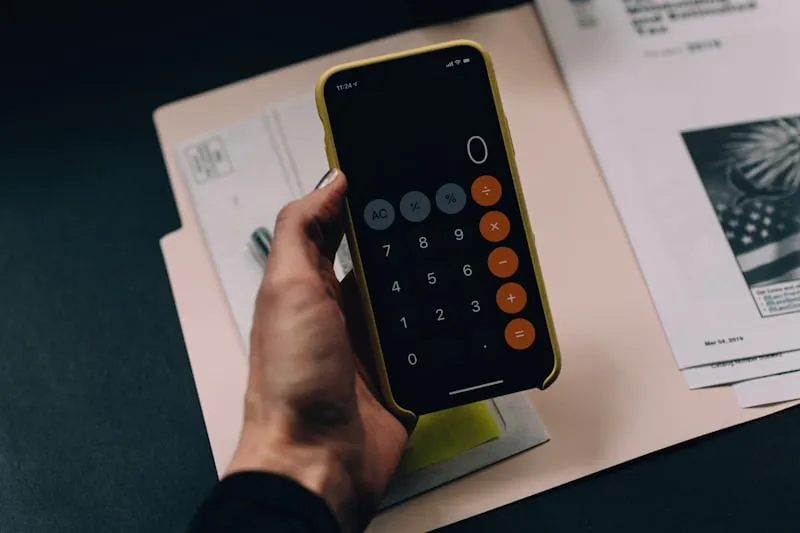
A rep with 140 contacts calls the three he remembers. How Daily Tasks and My Day in CarSales AI OS build the list, log the call and show the manager who is behind.
Find the Leaks in Your Dealership OS
Use the free Dealership OS Checklist to spot where leads, inventory, desking, follow-up, and reporting are costing you time or gross.
The rep's morning
Nine o'clock. A rep opens the CRM, scrolls a list of 140 contacts, calls the three he remembers, and goes to the lot. The customer who test-drove Saturday and said "call me Tuesday" is number 61 on the list. Nobody calls.
What Daily Tasks does
- The list is built for them. When a lead comes in, a customer leaves unsold, or a deal delivers, the workplan creates the follow-up tasks on a schedule you set. Fresh lead, unsold showroom traffic and sold customer each have their own sequence.
- My Day shows only that rep's work. Their leads, their texts, their tasks for today, on a phone like an app. New-lead alerts and due tasks show up on their phone, so the appointment at 2 and the call due at 4 are in front of them.
- Completing a task logs the activity. Daily Tasks is part of the CRM record, so there is no second place to write down that the call happened.
- The manager sees it without asking. The Sales Scoreboard shows how fast each rep answers and how many leads become appointments, shows and sales, by rep and by lead source.
What it does not depend on
The plays in Automations run whether or not the rep logs in: speed-to-lead, appointment reminders, no-show follow-up. The task list is for the calls that need a person. Together they mean the Tuesday customer gets a text on Tuesday and a call from the rep who sold him the test drive.
Daily Tasks is on every plan. A salesperson without a dealership account can run the same My Day on the Salesperson plan at $97 a month.
Frequently asked questions
- Can managers see if a task is overdue?
- Yes. Tasks show their due time, and the Sales Scoreboard shows each rep's response time and appointment, show and sale counts.
- Are tasks automatically generated from internet leads?
- Yes. A new lead starts the fresh-lead workplan you set up; unsold showroom traffic and sold customers get their own sequences.
Jared Casper
ExpertSold cars and ran F&I for nearly a decade, then built CarSales AI OS. Writes about what works on a real lot.
Related Resources
Related reading
How to Choose Car Sales Software for Your Kind of Store
How to choose car sales software for an independent, franchise or BHPH store: the jobs it must do, hidden costs to ask about and a vendor checklist.

The Real Cost of Margin Leak: Where Dealerships Lose Gross on Every Deal
Used front-end gross is near $1,668 a unit (Haig Report, Q2 2025). Where it leaks on a lot, deal by deal, and how to stop it.

Appraisals: Accurate Vehicle Valuations
The eight-minute walk inside to check on a trade costs deals. How Appraisals in CarSales AI OS puts the VIN, the condition, the recon estimate and the number on one record.
Who We Don't Work With
CarSales AI OS is not built for dealerships that want better systems but refuse to operate with better discipline. Learn why we filter out bad-fit dealers to protect our team and our process.
Ready to try it on your own inventory?
7 days free · no card · month-to-month · unlimited users. Or try the free 7-day demo first.
Find the page for your seat or store: